

Getting started is easy. Just follow these steps:
- When your account is created, you’ll receive an email from Soarvo with a link and a temporary password. Click the link, set your own secure password, and you’re good to go.
- If you don’t see the email, check your junk folder just in case.
- After confirming your account, you’ll get a welcome email with some helpful info to get you up and running.
A couple of things to note::
- The Soarvo login URL is: live.soarvo.com
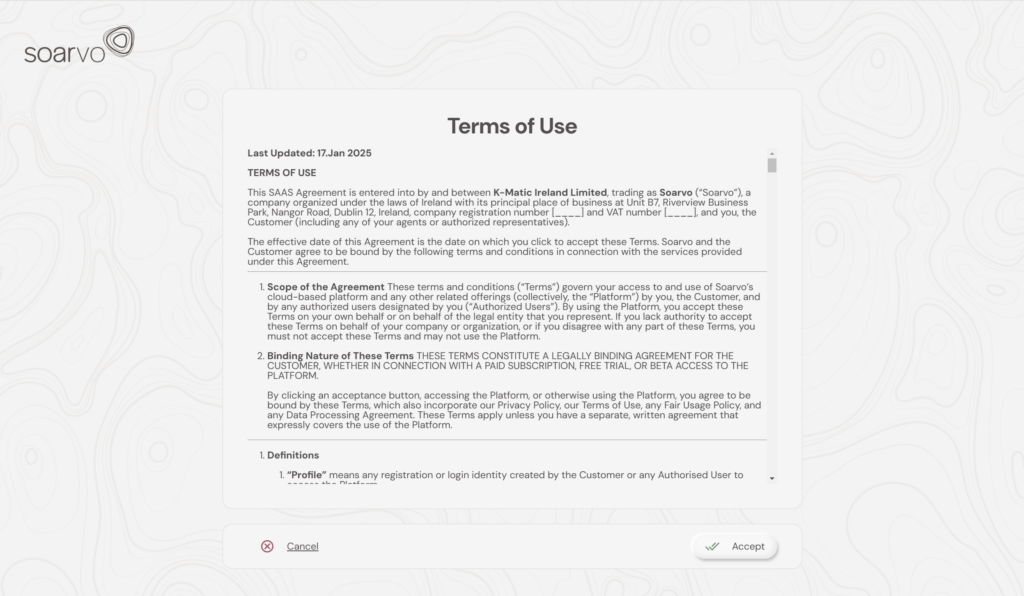
- Once you log in, please take a moment to review and accept the “Terms of Use”
And that’s it! You’re all set to go!